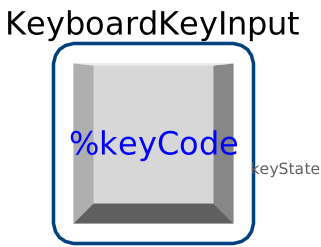
blockKeyboardKeyInput
Keyboard input implementation for interactive simulations

Extends from Modelica_DeviceDrivers.Utilities.Icons.BaseIcon (Base icon for blocks providing access to external devices).
Information
This block reads data from the keyboard. The monitored key is selected via the parameter keyCode. Note, that keystrokes will not be captured and the focused window will process them. Via the parameter sampleTime the input sampling rate is chosen.Parameters
| Type | Name | Default | Description |
|---|---|---|---|
| Modelica.Units.SI.Period | sampleTime | 0.01 | sample time for input update |
| Modelica_DeviceDrivers.Blocks.InputDevices.Types.keyCodes | keyCode | "Return" | Monitored Key |
| Boolean | useKeyKombination | false | if true, an additional key can be selected to a combination |
| Modelica_DeviceDrivers.Blocks.InputDevices.Types.keyCodes | additionalKeyCode | "Control" | Additional monitored key for key combination |
Connectors
| Type | Name | Default | Description |
|---|---|---|---|
| Modelica.Blocks.Interfaces.BooleanOutput | keyState |
Contents
| Name | Description |
|---|---|
| getKeyCodeprotected |