
classTutorial
Driver Environment Tutorial
Extends from Modelica.Icons.Information (Icon for general information packages).
Information
Tutorial - Defining a new driver environment model
The following process will demonstrate how to create a new driver environment model using these interface definitions. This tutorial will guide you through building a driver environment for a conventional passenger car with a manual transmission.
- Create a new model that extends
VehicleInterfaces.DriverEnvironments.Interfaces.BaseManualTransmission,
it should look like this:
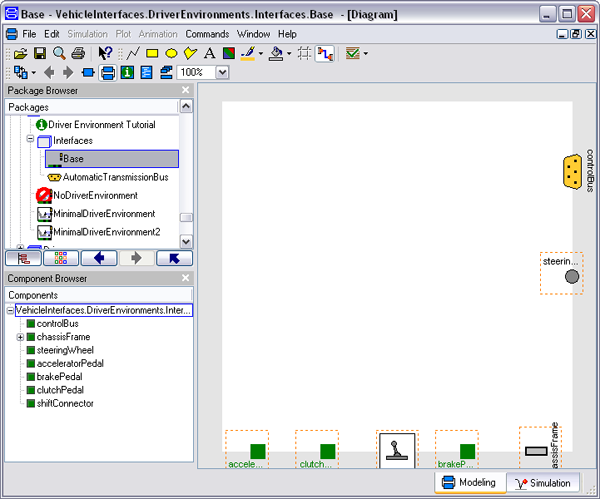
- In the component browser, right click on Base and
select Parameters from the context menu to produce
the following parameter dialog
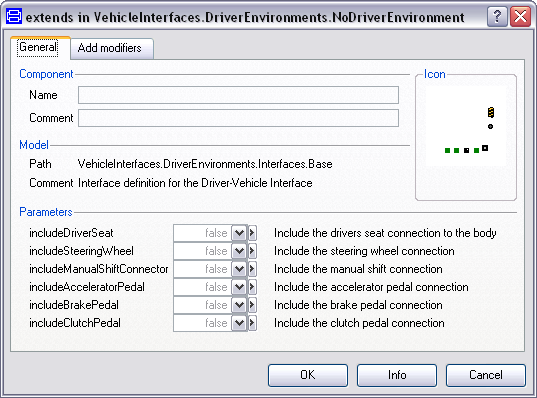
- This dialog allows you to enable/disable the optional connections by setting the various parameters as required for your new driver environment model.
- You can now define your driver environment model as required